Introduction
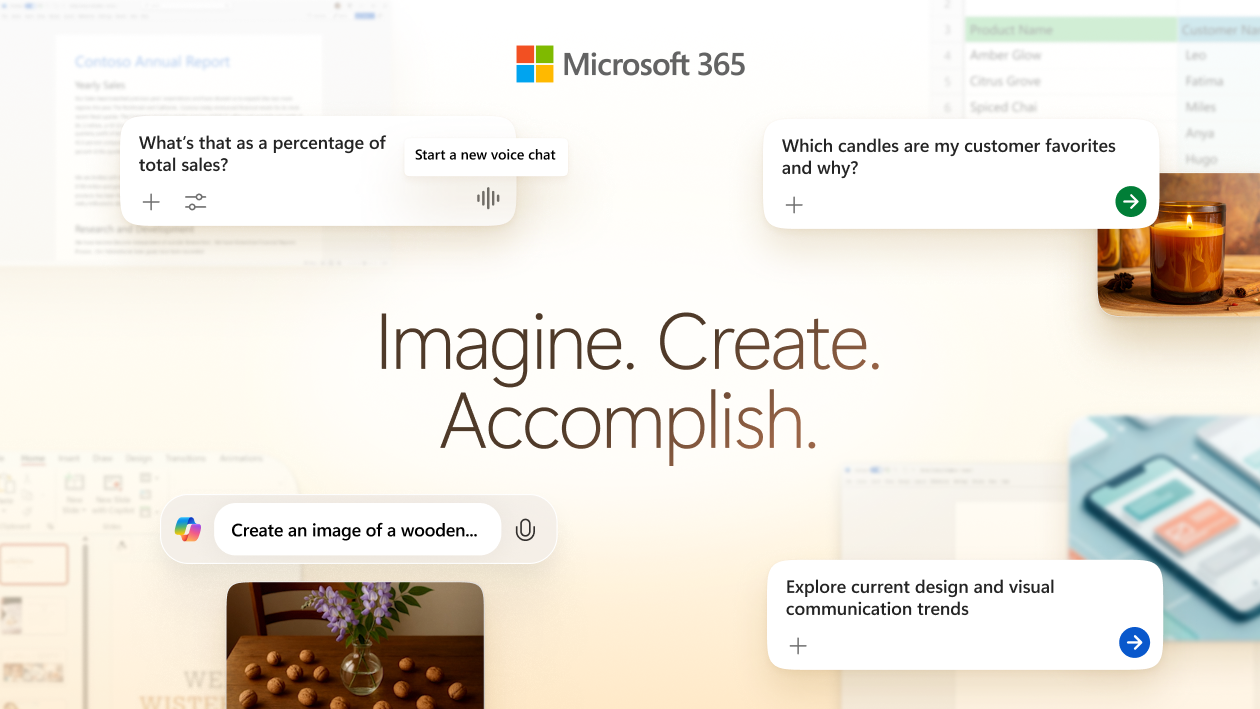
Microsoft is reshaping its personal and family subscriptions around Copilot and higher AI usage limits. The headline change is Microsoft 365 Premium, which Microsoft positions as the most powerful subscription for individuals, combining what used to be split across Microsoft 365 Family and Copilot Pro. microsoft
If you already live in Word, Excel, PowerPoint, OneNote, Outlook, and OneDrive, this plan is worth understanding because it changes how you buy into “AI + Office” as a single bundle.
What Microsoft 365 Premium is
Microsoft 365 Premium is a subscription that bundles:
- The classic Microsoft 365 apps people actually use (Word, Excel, PowerPoint, OneNote, Outlook).
- Copilot integrated into the desktop apps and the Microsoft 365 Copilot experience.
- Higher AI usage limits and access to advanced AI features compared to Personal/Family.
- Security and storage benefits (including Microsoft Defender advanced security and 1 TB per person).
Microsoft’s framing is straightforward: it consolidates “productivity apps + premium Copilot capabilities + highest usage limits” into one subscription for individuals and families. microsoft
What is included (features that matter)
From an AI and productivity standpoint, these are the components that change how the suite feels day to day:
1 Copilot in the desktop apps
Copilot is positioned as built into the desktop apps (Word, Excel, PowerPoint, OneNote, Outlook). For many users, the value is not “chat in a sidebar” but tight integration with the content you are already editing: rewrite, outline, summarize, propose drafts, and help with structure.
2 Researcher and Analyst (reasoning agents)
Microsoft highlights Researcher and Analyst as powerful reasoning agents brought to individuals after being announced for commercial customers. In practice, this matters if you do any of the following:
- Turn messy research into a structured narrative.
- Convert feedback or unstructured data into a digestible set of insights.
- Need an “assistant” that can take a task beyond simple rewriting.
3 Frontier access: Office Agent and Agent Mode (experimental)
Microsoft also emphasizes early access to experimental features such as Office Agent and Agent Mode, described as turning a single prompt into higher-quality outputs (documents, spreadsheets, presentations). If you like testing what is coming next (and you can tolerate changes), Frontier is the part of the Premium story that’s easiest to overlook and later regret.
4 Higher AI usage limits
Premium is positioned as the plan with Microsoft’s highest usage limits for select AI features. If you routinely hit caps in image generation, voice, or deeper research workflows, the usage limit headroom may be the practical reason to upgrade.
Pricing and who it is for
Microsoft lists Microsoft 365 Premium at $19.99/month and positions it for individuals who want the highest limits and more advanced Copilot capabilities, with the family-style sharing model (up to six people). microsoft
This plan tends to make the most sense if you are:
- A power user who is in Office apps every day and wants Copilot in the workflow.
- A family plan customer who also wants higher AI limits without managing separate add-ons.
- A student, solopreneur, or creator who uses Office as a production tool (not just occasional editing).
How it changes the subscription lineup
Microsoft’s direction is to simplify the lineup:
- New users can start directly with Microsoft 365 Premium.
- Existing Personal/Family subscribers can upgrade if they want more AI headroom and advanced features.
- Copilot Pro is described as being retired as a separate add-on, with Premium being the consolidated replacement path for users who previously stacked subscriptions. microsoft
Quick plan snapshot (simple comparison)
| Plan | Typical audience | People | AI level (relative) | Storage |
|---|---|---|---|---|
| Free | Casual | 1 | Very limited | 5 GB |
| Personal | Individual | 1 | Higher than free | 1 TB |
| Family | Household | Up to 6 | Higher than free | Up to 6 TB (1 TB/person) |
| Premium | Power user + family | Up to 6 | Highest limits + advanced features | Up to 6 TB (1 TB/person) |
Use this as a decision shortcut: if you are a light user, Premium is overkill; if you are using Copilot heavily and want the advanced features with the family-sharing model, Premium is the bundle Microsoft is steering you toward.
Student offer and new app icons
Microsoft also notes two related updates:
- A limited-time student offer where university students can claim one year of Microsoft 365 Personal for free if they sign up by October 31, 2025 (valid university email address required). microsoft
- Refreshed app icons across Word, Excel, PowerPoint, OneNote, Outlook, and more to align the suite with the “AI era” direction. microsoft
My take: when Premium is a smart buy (and when it is not)
Premium makes sense when you treat AI as part of your daily workflow, not a novelty. If you are producing a steady stream of documents, presentations, or analysis and you keep hitting limits, the consolidated plan simplifies the toolchain.
Premium is not the right move if your Office usage is occasional, you rarely use Copilot features, or you are primarily using free alternatives and only need Office a few times a month.
References
- Microsoft 365 Blog announcement: microsoft